
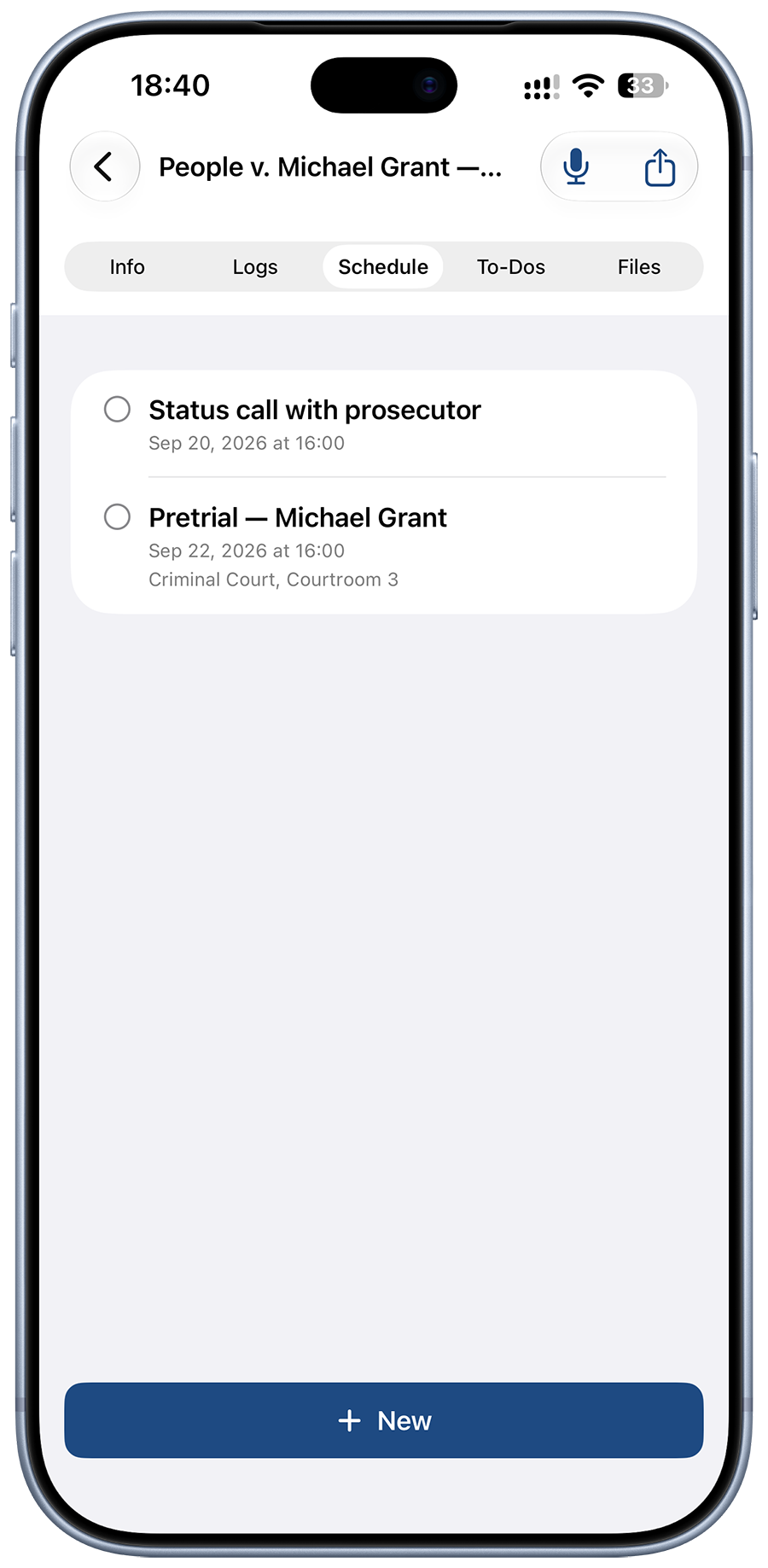
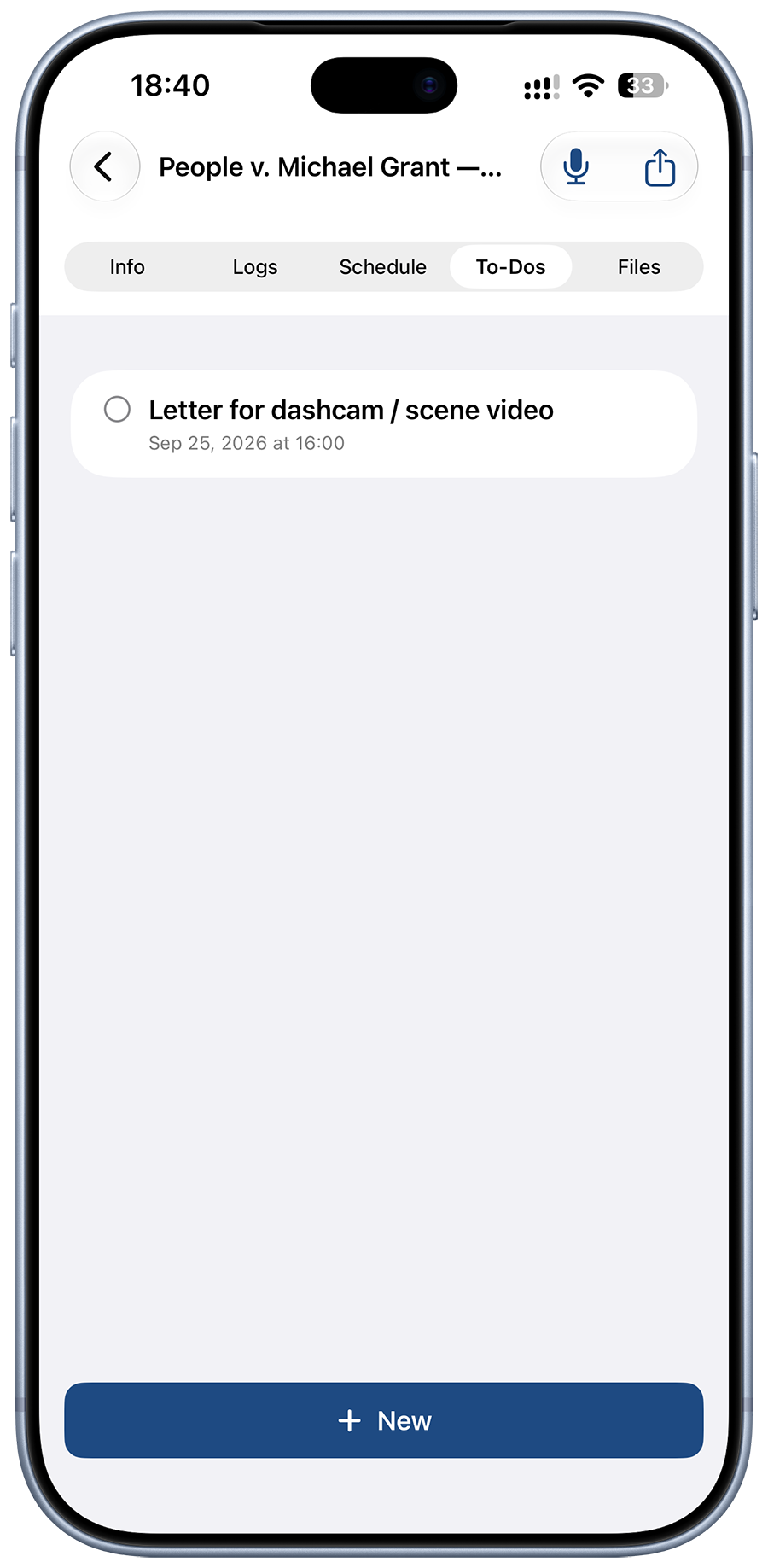
Hearings & to-dos on the matter
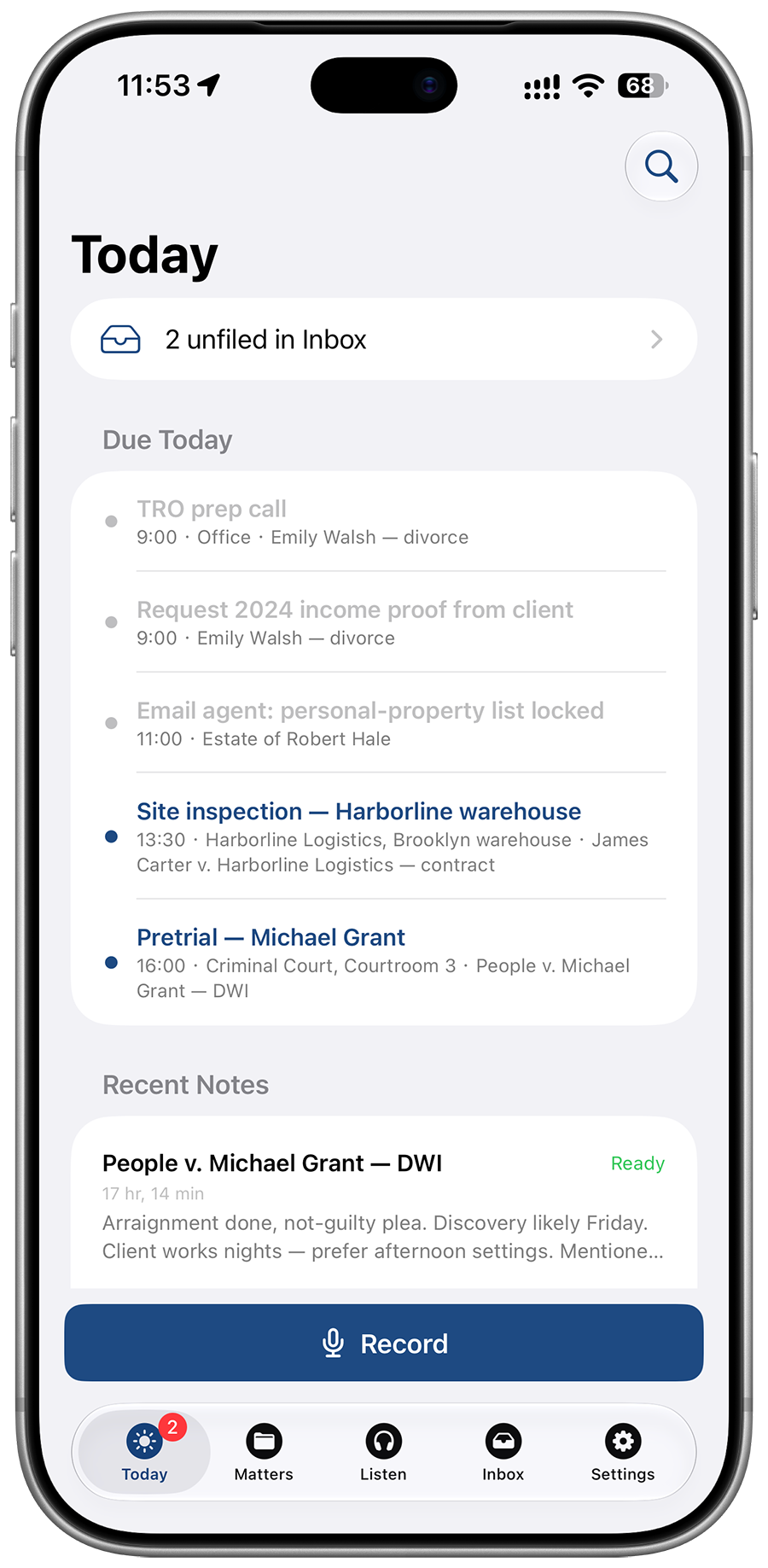
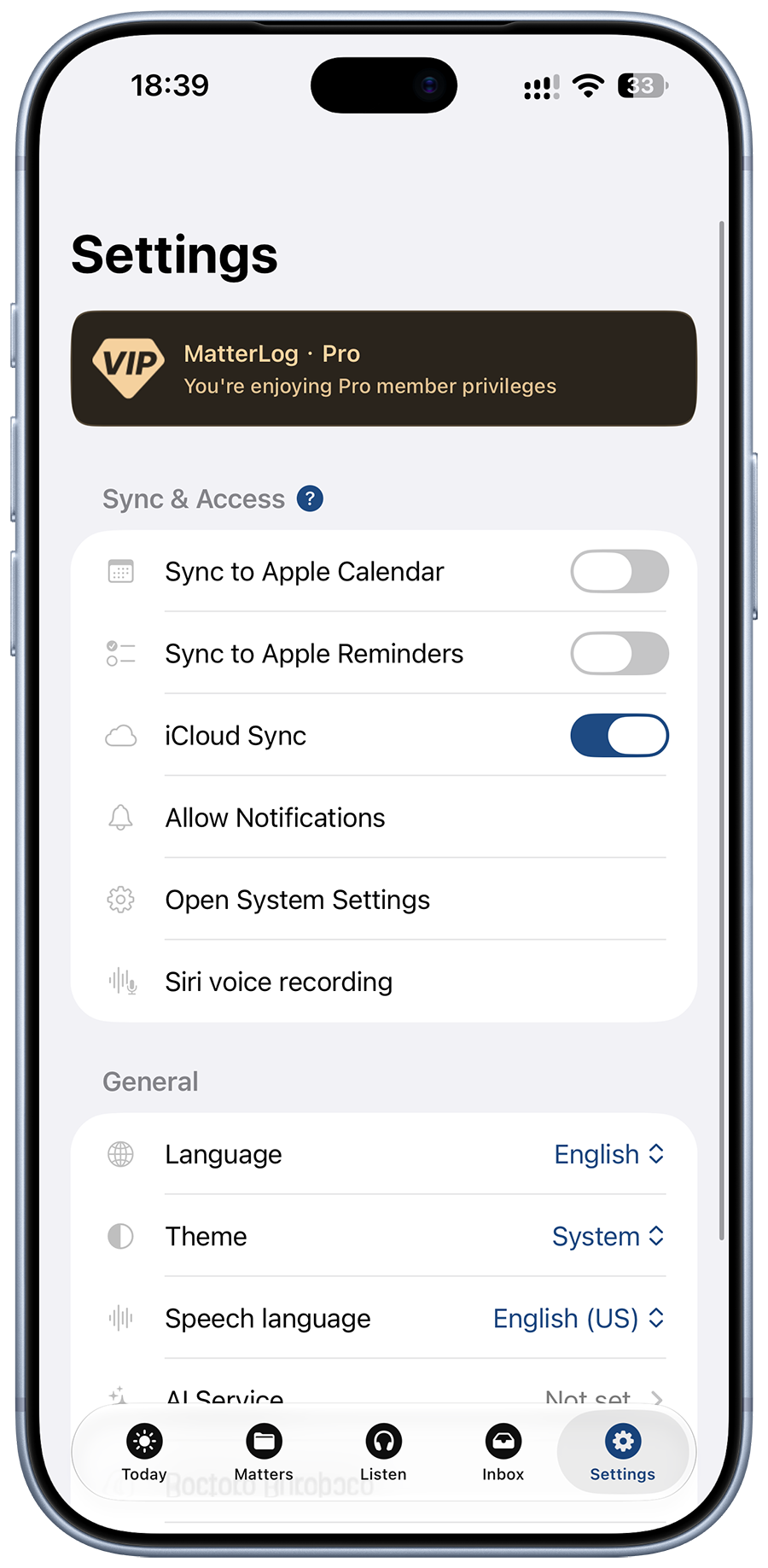
Pin court dates and dated tasks where they belong. Optional Apple Calendar and Reminders — you’re not locked into a firm calendar product.
 MatterLog
For solo and small-firm attorneys
Dictate case notes and voice memos on the go. Stays on your device and private iCloud — never on third-party servers.
Client, hearings, notes, and files stay on the matter. Speak when it’s fresh. Listen to a PDF when you need the record read back.
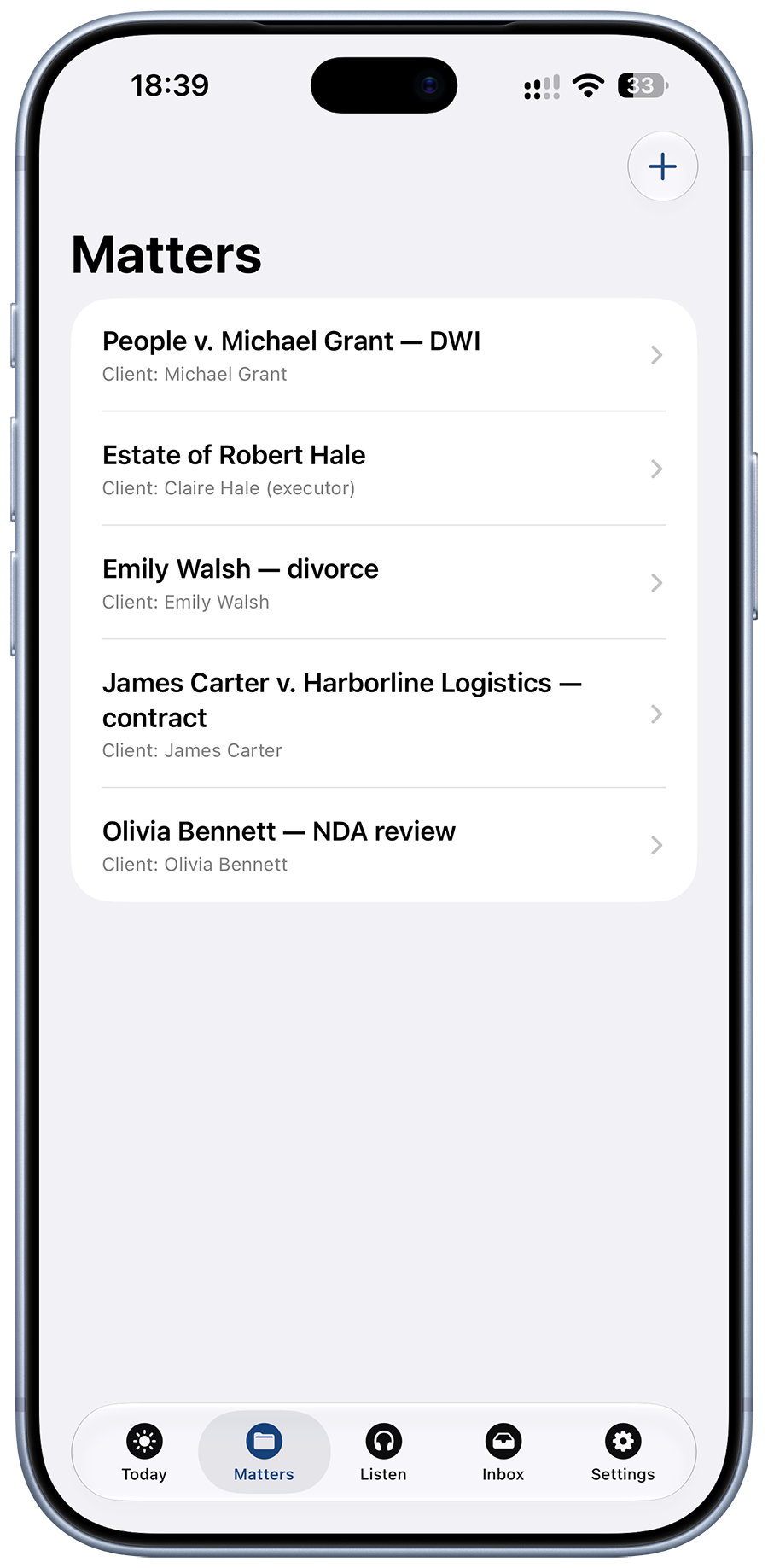
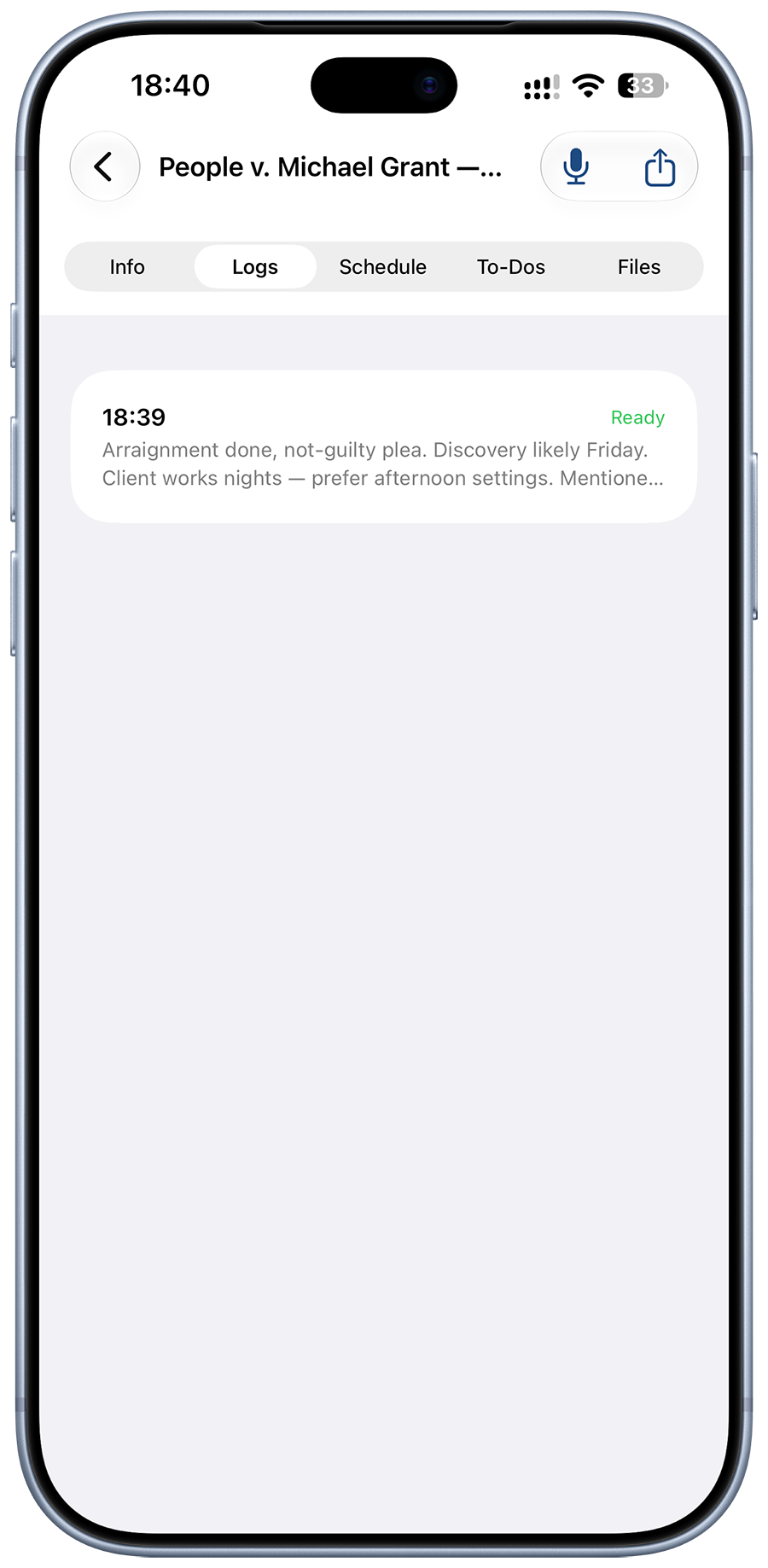
Client, court, judge, hearings, to-dos, notes, and files live together — so the next court day isn’t a scavenger hunt.
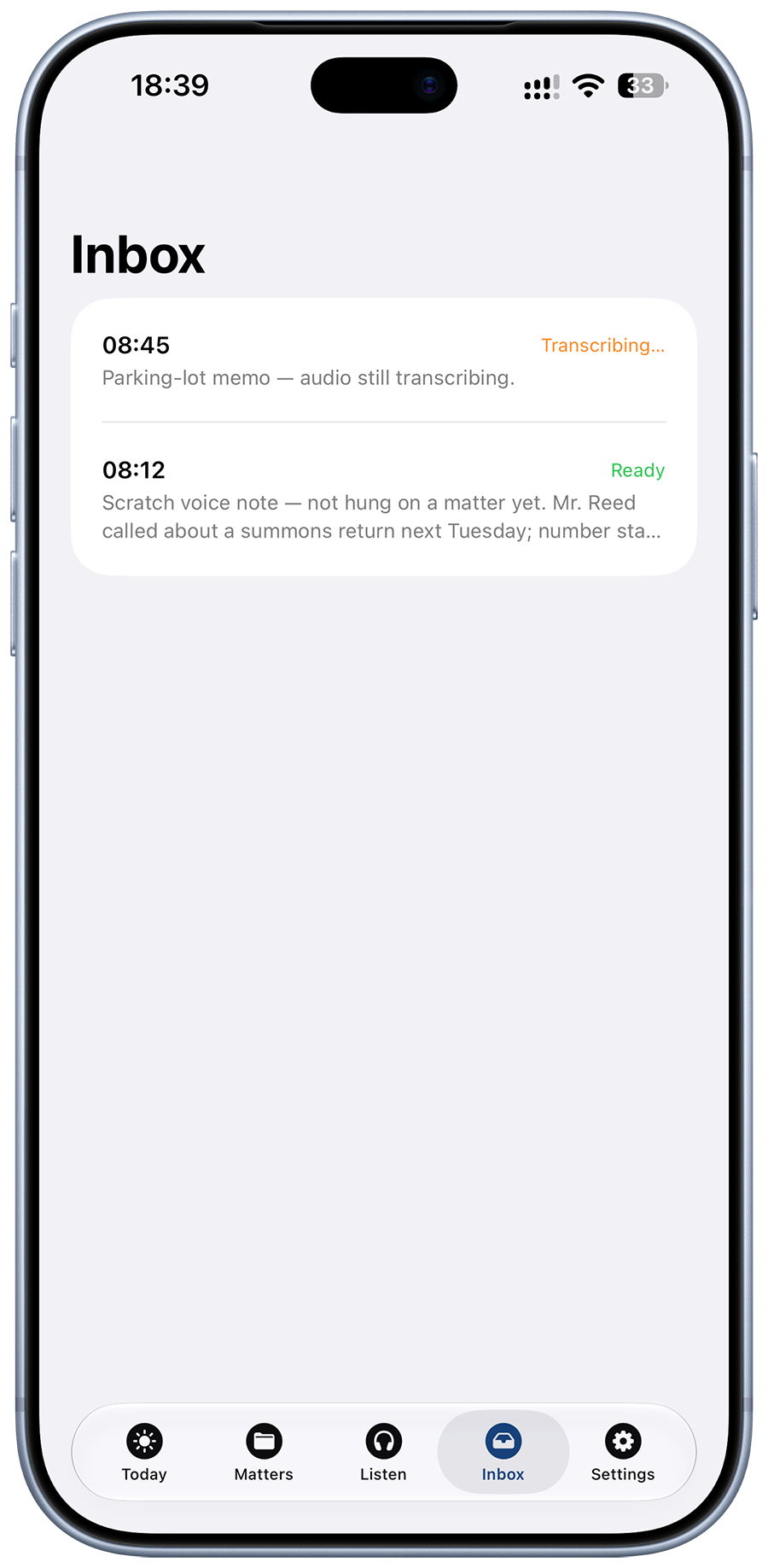
Speak in the hallway. The audio stays on your phone, and the words become text in the background. File the note to the right matter when you know which one it was.
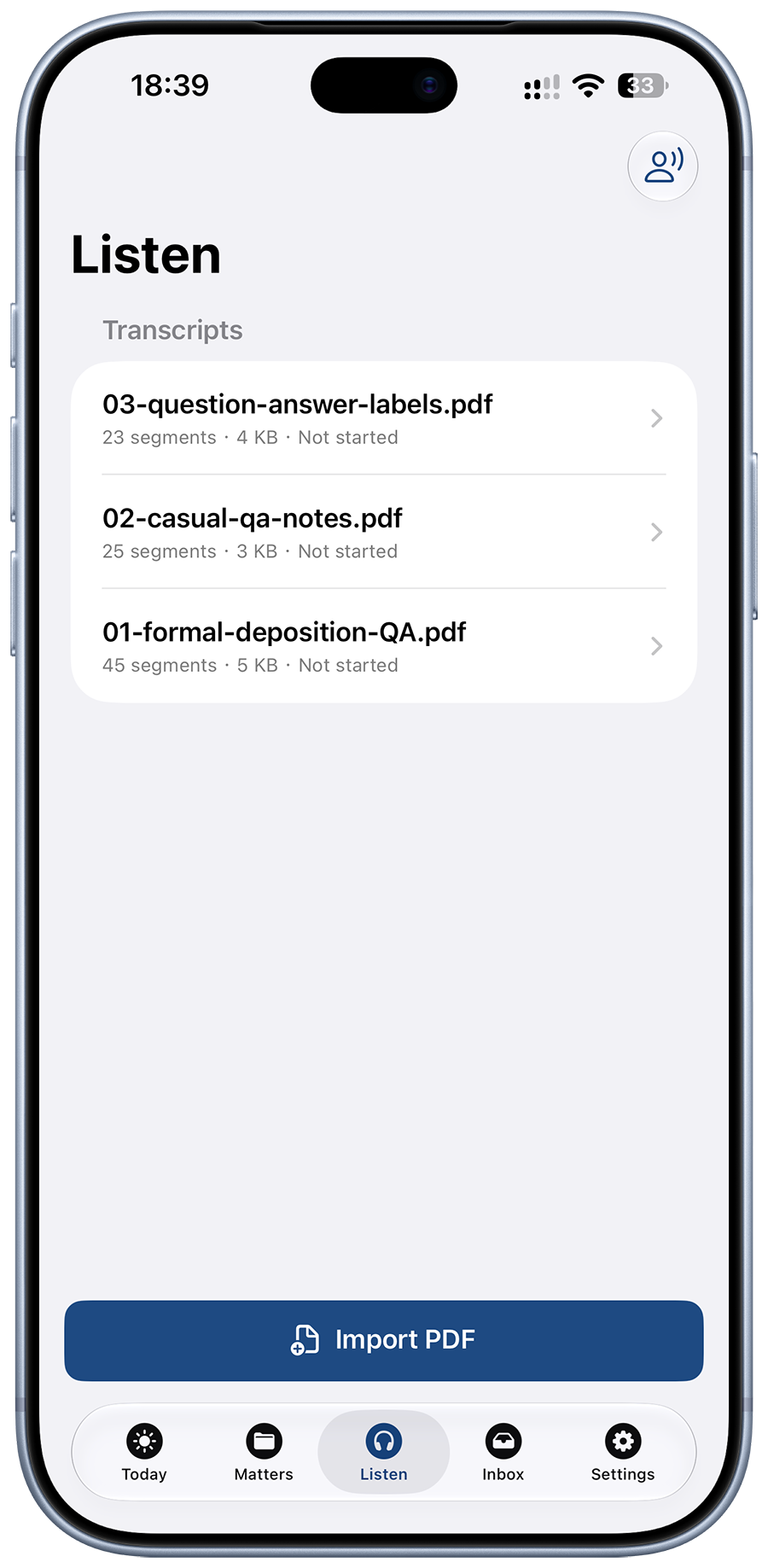
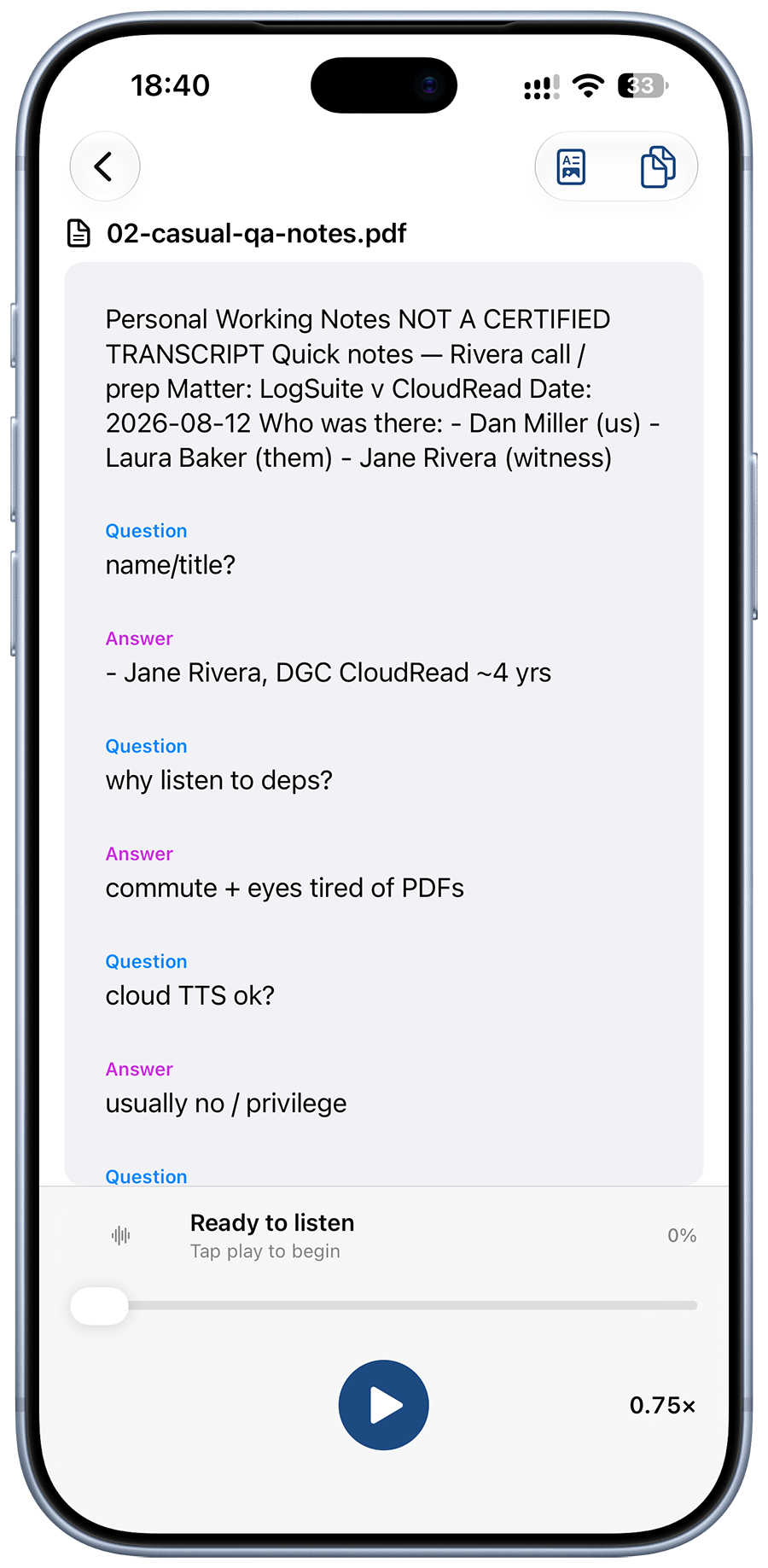
Import a deposition or case-note PDF and listen on the way to court. Open the original PDF anytime while it plays — the source file stays intact.
Each matter keeps the notes, dates, files, and follow-ups you actually use — and you can listen to a long PDF instead of skimming it in the car.
Pin court dates and dated tasks where they belong. Optional Apple Calendar and Reminders — you’re not locked into a firm calendar product.
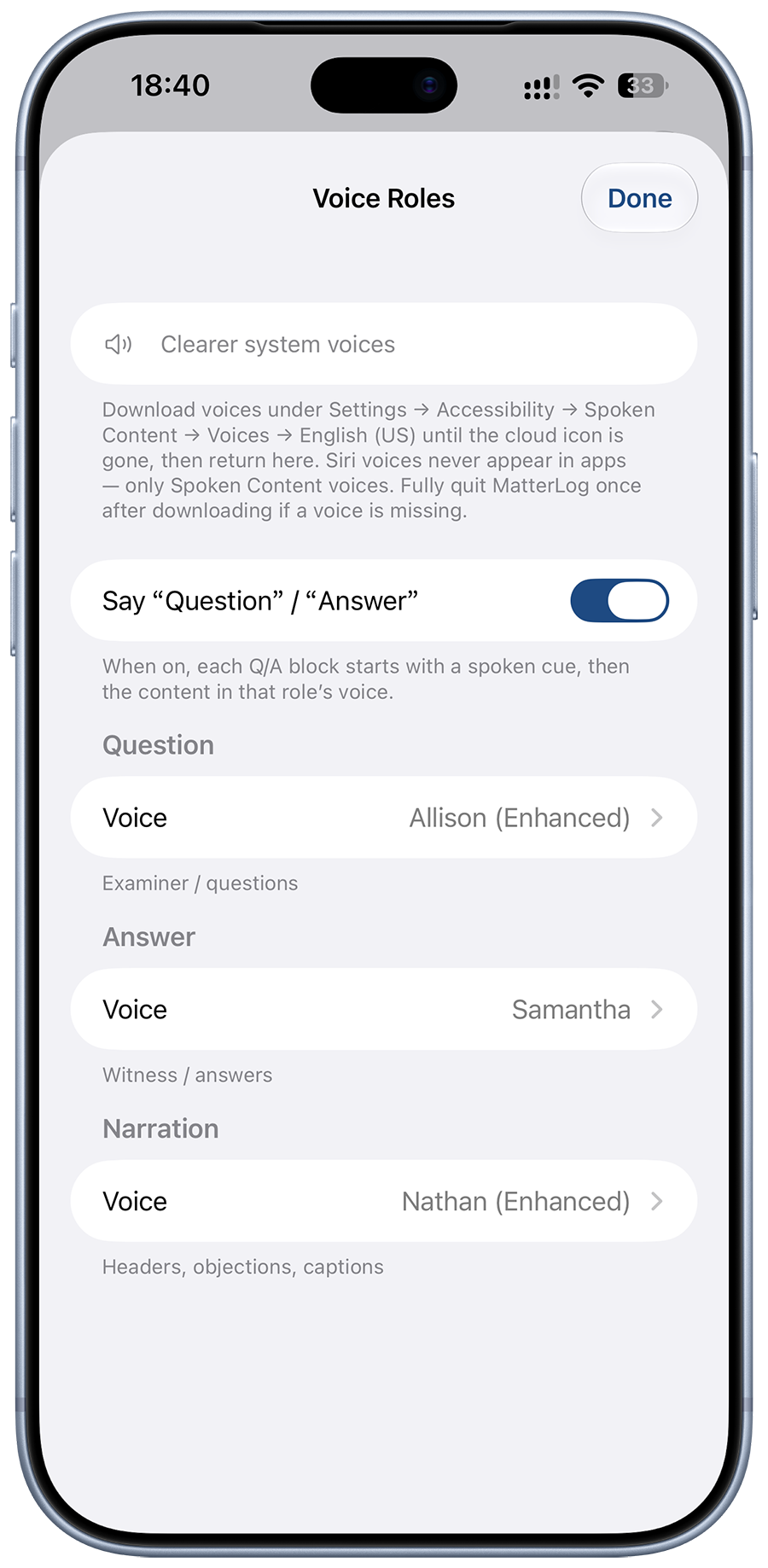
Import a text-based PDF — a deposition or your case notes. MatterLog reads it aloud. Open the original PDF beside the playback whenever you need the page itself.
Speak first. Hang the note on a matter when you know which one it was — no mandatory case picker before the mic.
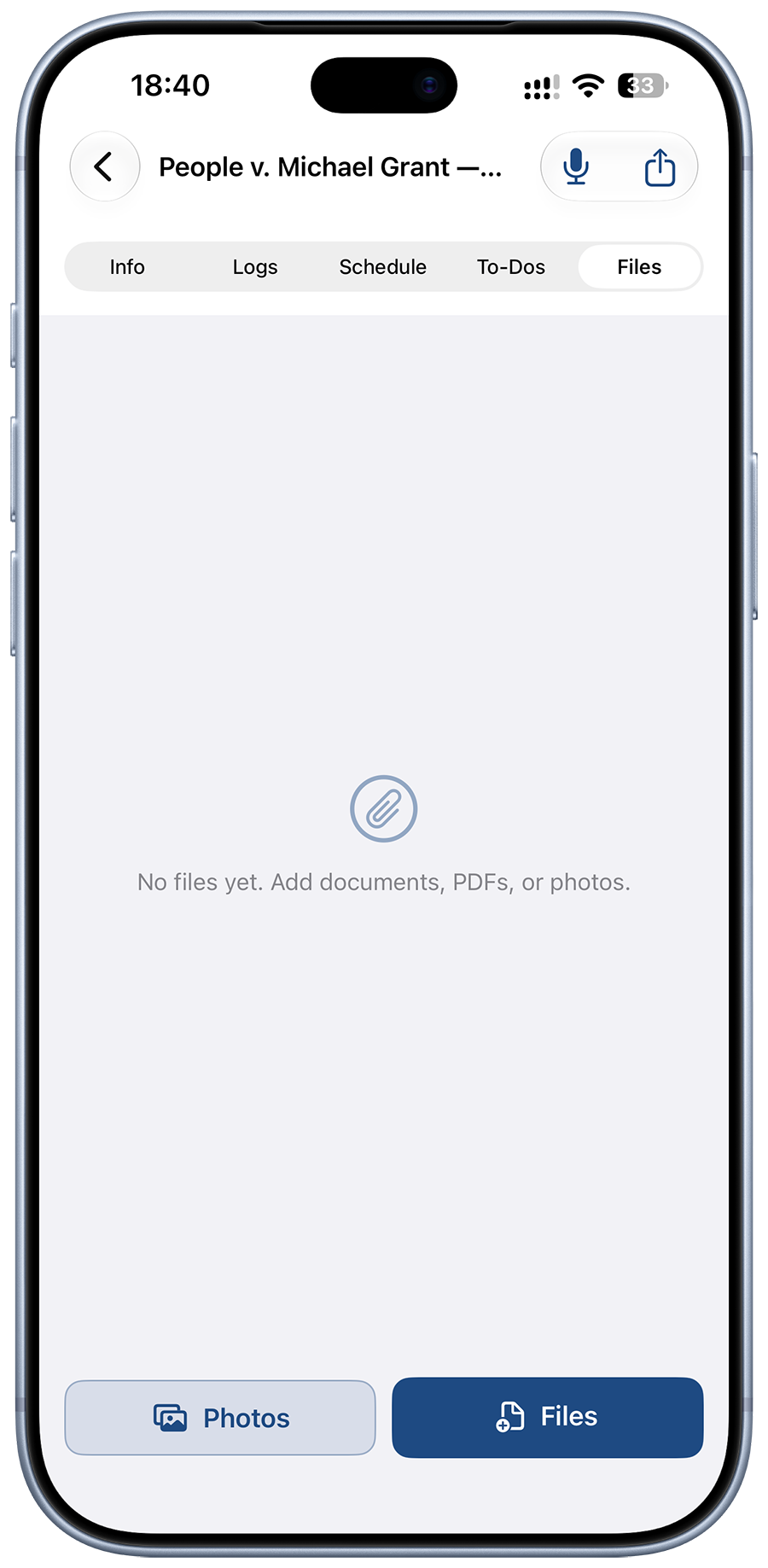
PDFs, images, and common documents live on the matter. Preview, rename, share — without opening a separate DMS.
Search matters, notes, dates, tasks, and file names from Today. Jump straight back in.
Print or send only the sections you check — not a dump of raw voice by accident. Private zip backup when you want your own archive.
Due Today for hearings and tasks. Record to start a memo instantly — Lock Screen too.
Many attorneys prefer to write their own work. AI is optional and off by default — your key, your draft, you confirm before anything is saved.
Same casebook on the devices you carry. Sync only if you turn it on.
No MatterLog account. No MatterLog case server. Notes and imported PDFs start on your phone; sync is optional. If you use AI, it only talks to the provider you choose — with your key. Built for a solo or small-firm lawyer’s own case book, not multi-lawyer firm workflows.
Read the Privacy PolicyToday, the matter, and Listen. Capture between courts; hear a deposition or case-note PDF when you need it read back.
MatterLog for iPhone, iPad, and Mac.