
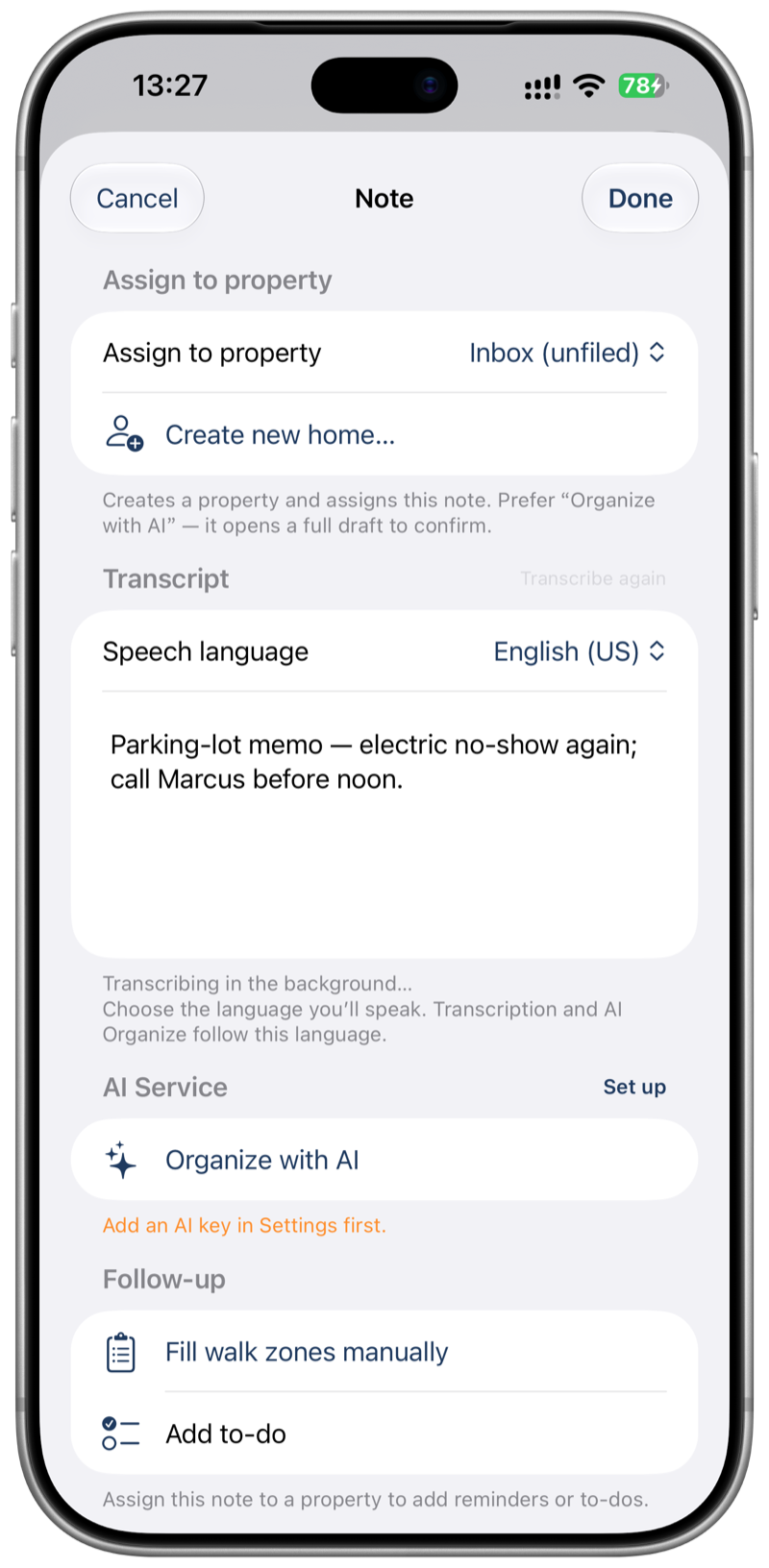
Inbox, then the right site
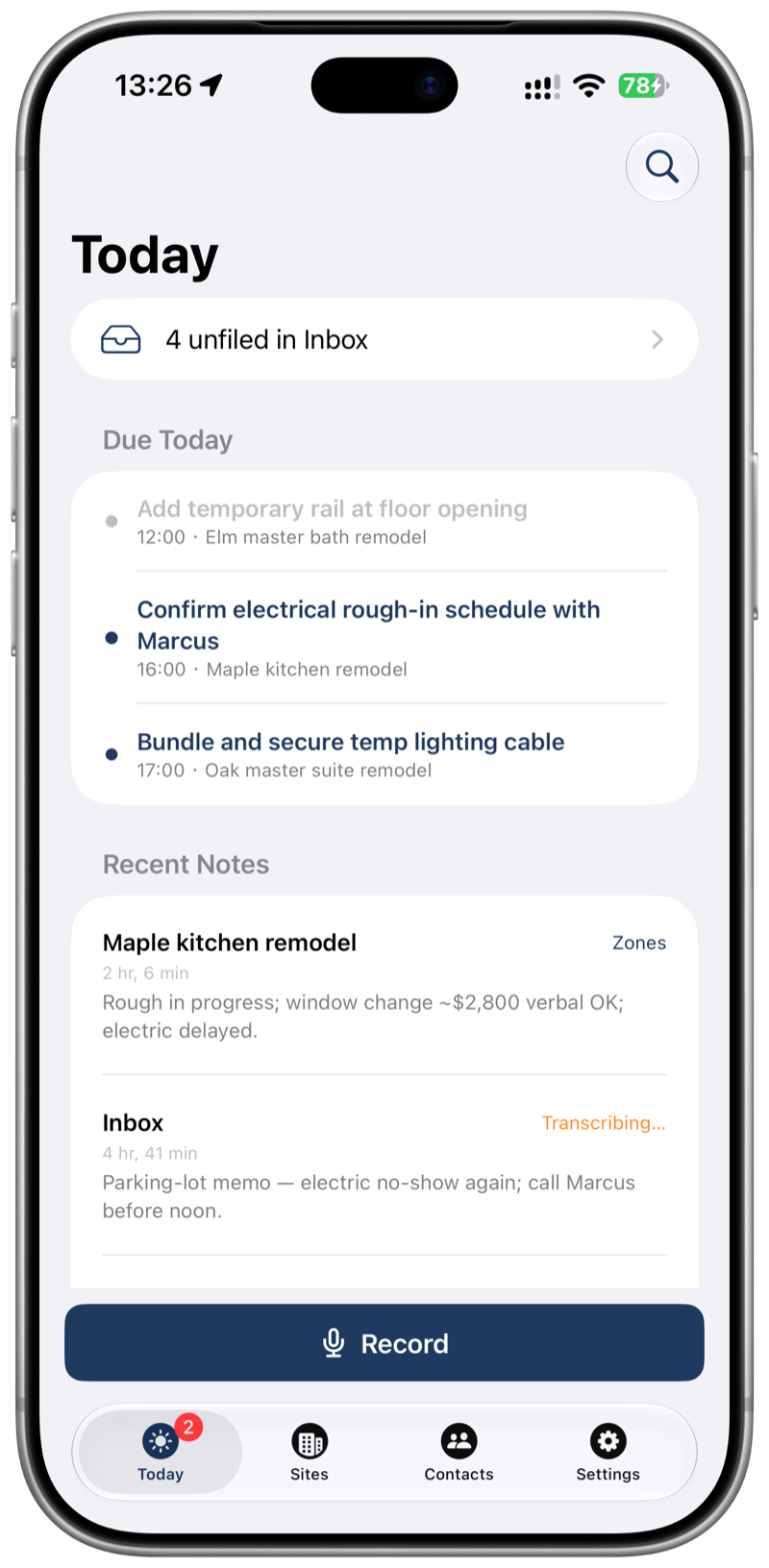
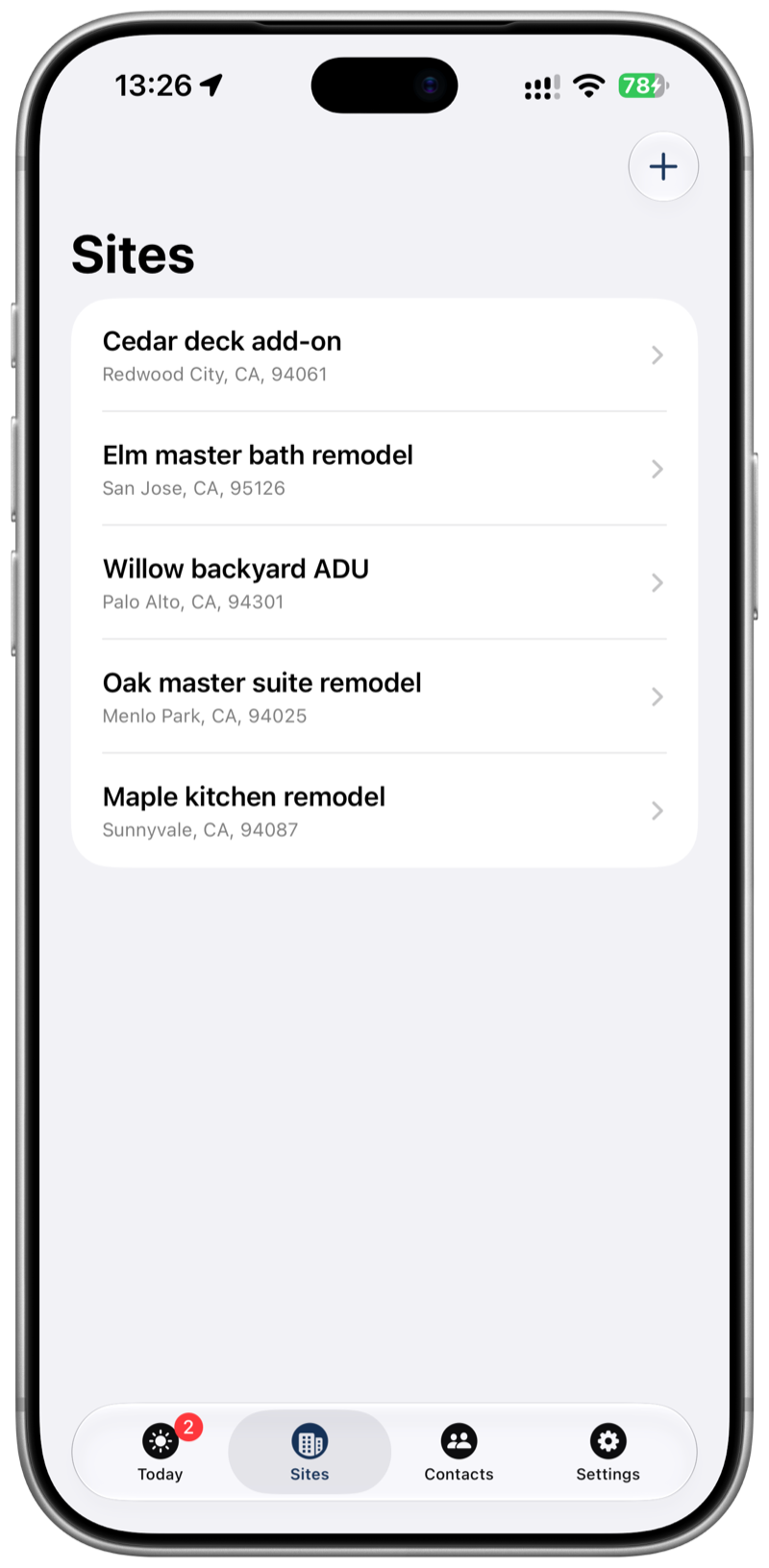
Dump the voice note first. Hang it on a Job Site and Contact when you know which job it was — no forced form before you hit record.
 FieldsLog
For general contractors
The rugged voice sidecar for general contractors. Drop your field notes locally before the next site rolls in.
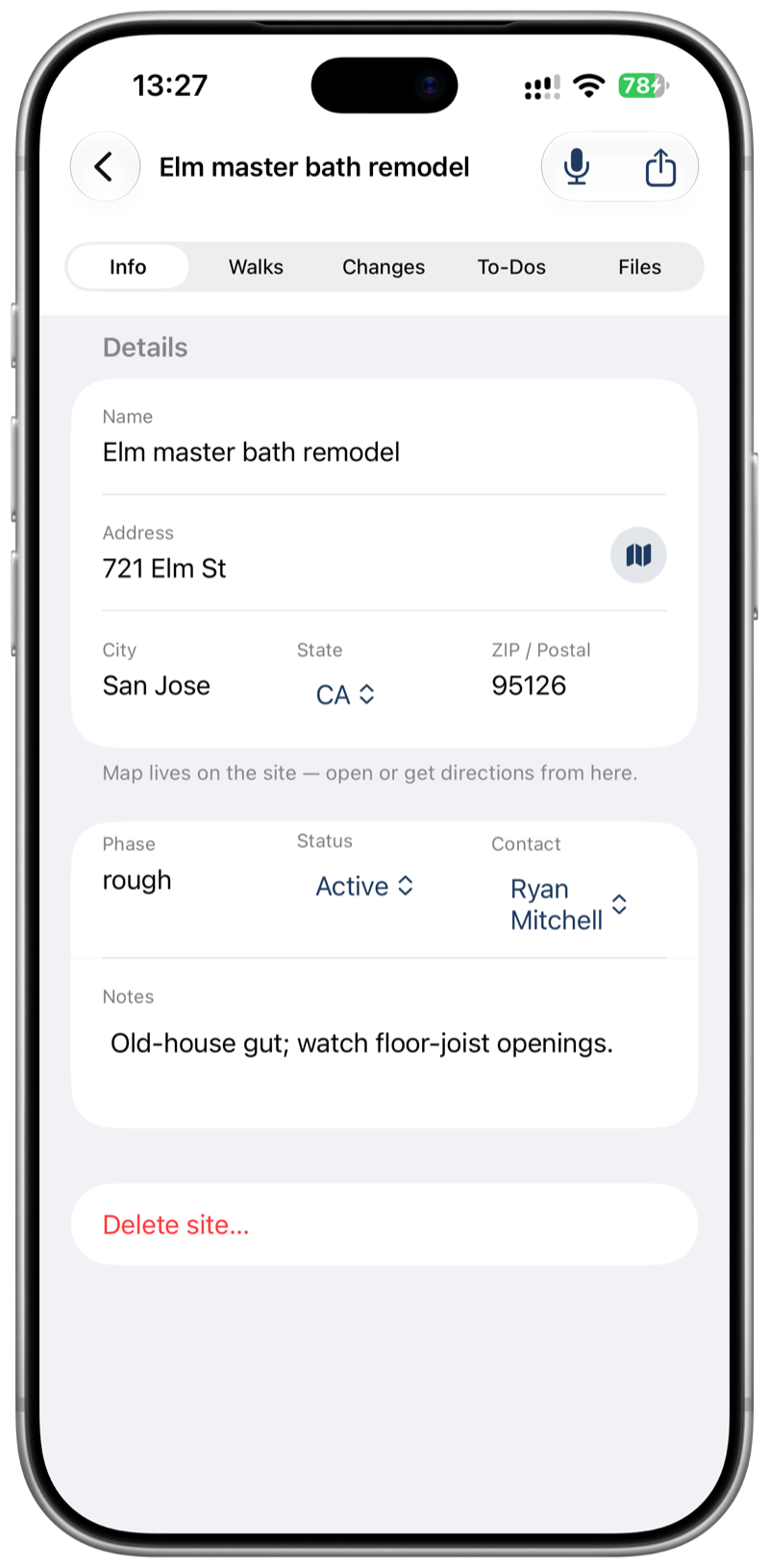
Say it before you get back in the truck. Open that job later on your phone — without a project cloud.
The punch is obvious while you’re standing on it. Speak it. It stays on your phone.
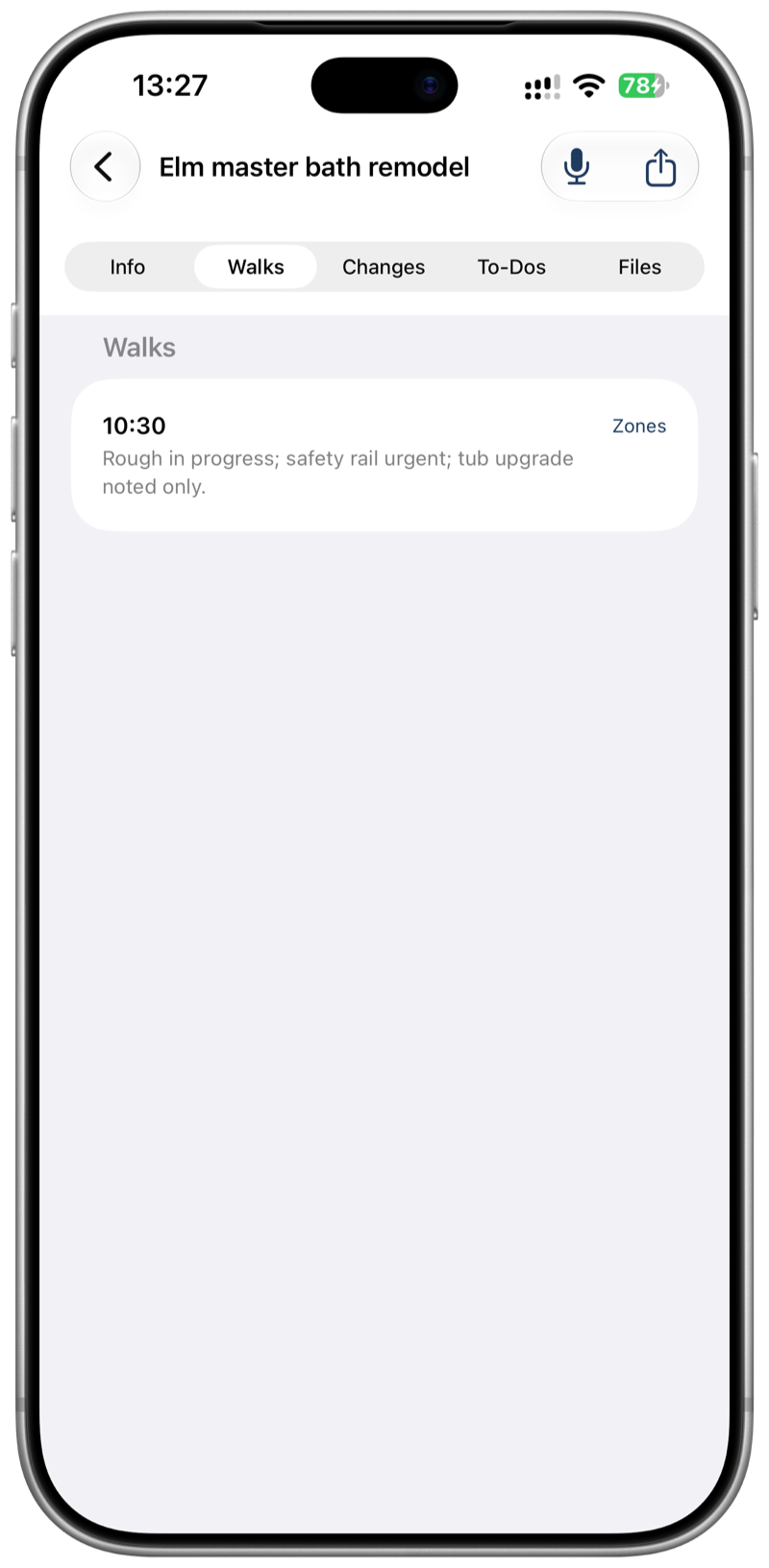
Progress, punch, and the change dollars are already on that site — not a note you rewrite at the desk.
No account. Nothing is uploaded to FieldsLog. Your site book, not a formal change order.
That site is on your phone. The project platform can wait.
Dump the voice note first. Hang it on a Job Site and Contact when you know which job it was — no forced form before you hit record.
Progress, safety, quality, materials, coordination, changes — write by hand offline, or let optional AI draft a starting point. You confirm before anything is saved.
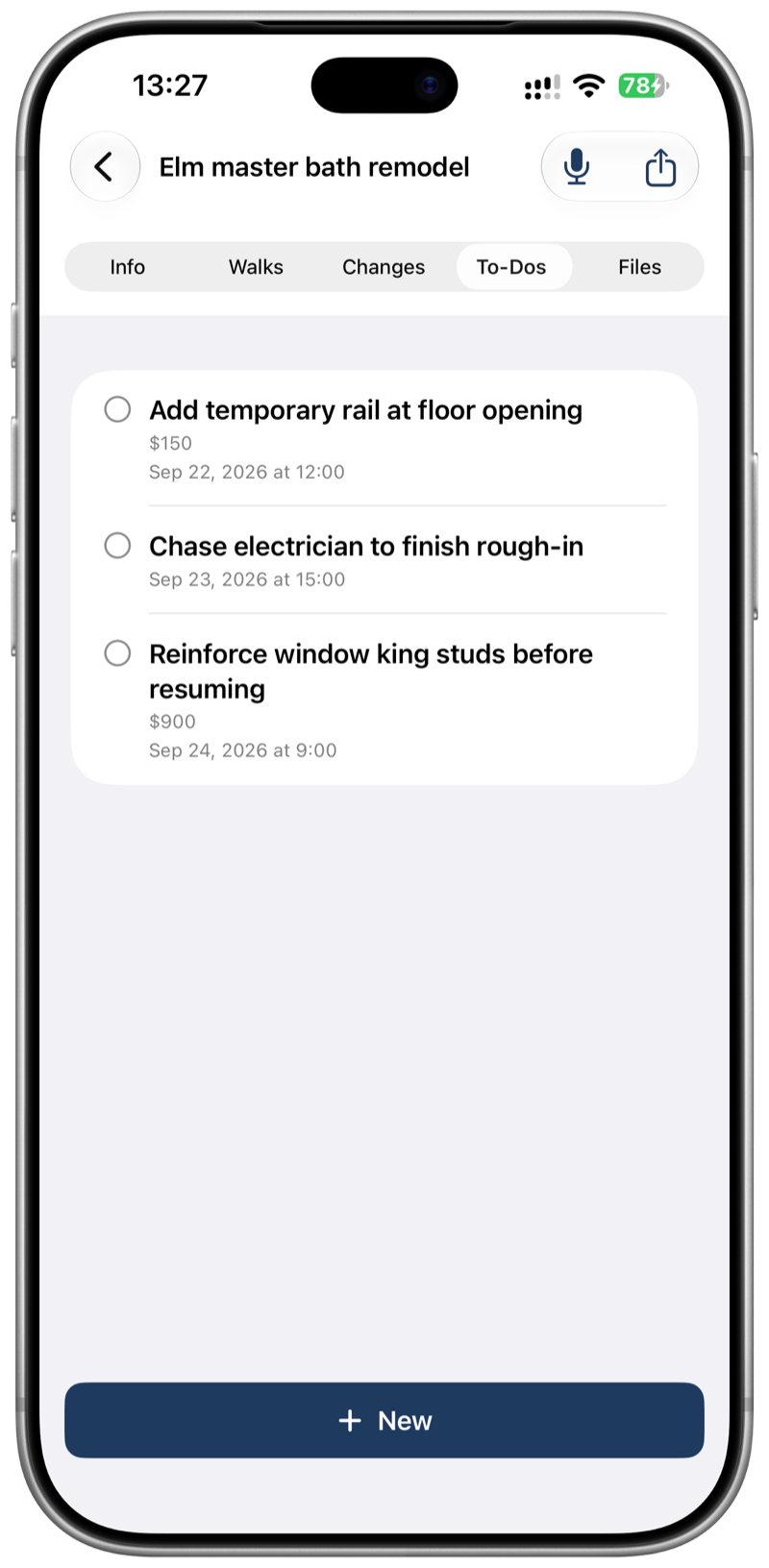
Line up closeout items and rough change estimates. Mark verbal approval on site when it happened — still a memo, not a signed CO.
Search sites, contacts, notes, and file names from Today. Jump straight back into the right job.
Free: a light summary when you need something quick. Pro: a full site-walk work paper with zones, punch/change $, photos, and a clear disclaimer — your notes, not a formal contractual change order.
A bathroom remodel doesn’t need every catalog line. Untouched N/A items stay in the app; the exported work paper only prints what you marked or noted.
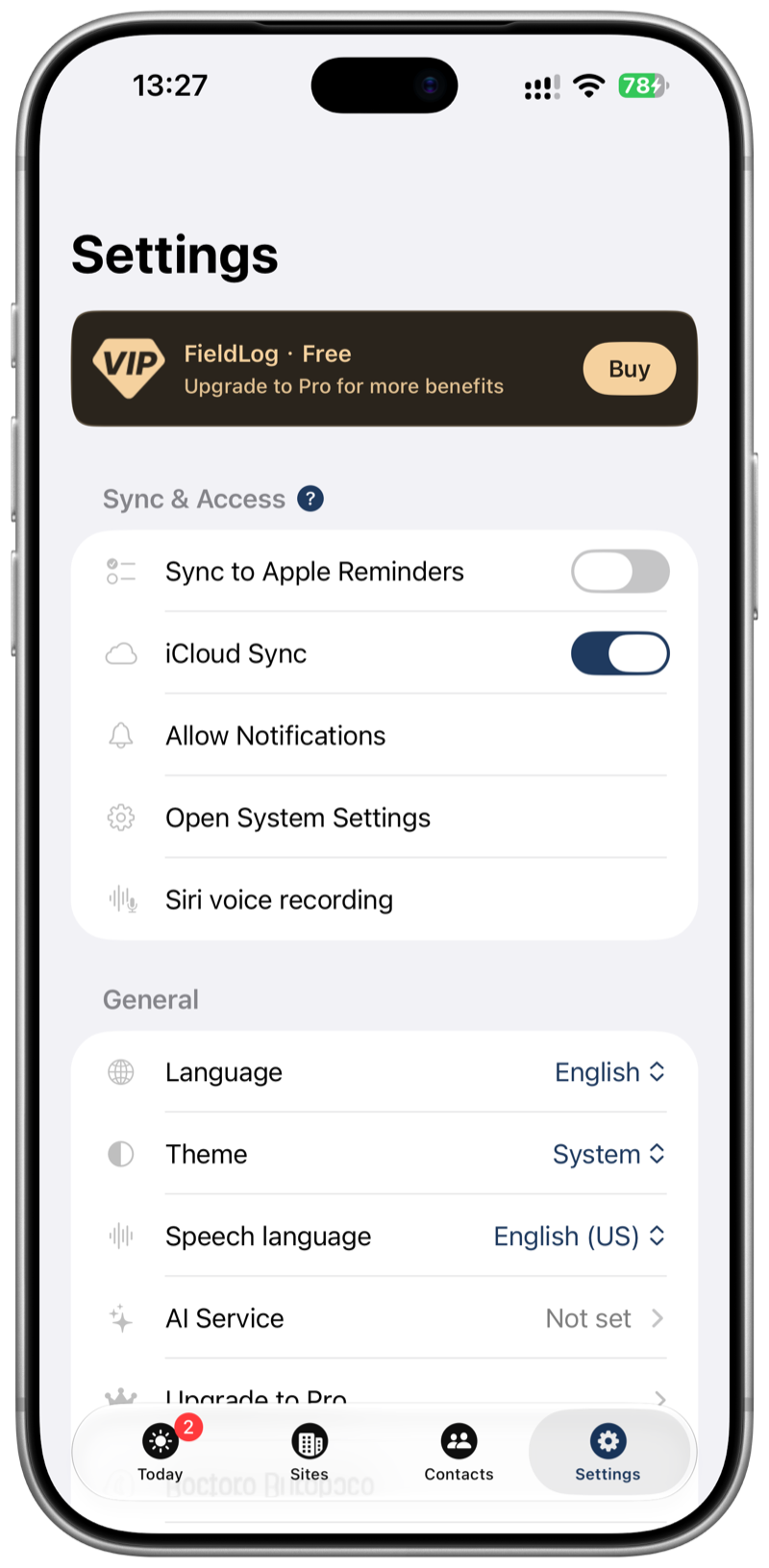
Use your own key (Gemini or OpenRouter). AI drafts; you edit and confirm. Nothing silent-saves behind your back. Keys stay on your phone.
Same book on the devices you already carry. Sync only if you turn it on — your notes, your call. Freemium with a lifetime Pro unlock.
No FieldsLog account to create. No company cloud holding your site walks. Everything starts on your phone; sync is optional. If you use AI, it talks only to the provider you pick — with your key. FieldsLog is a personal field workbench for solo GCs, not a project management network or formal CO system.
Read the Privacy PolicyThe site you just walked is already on your phone.
FieldsLog for iPhone and iPad.