
Clear at a glance
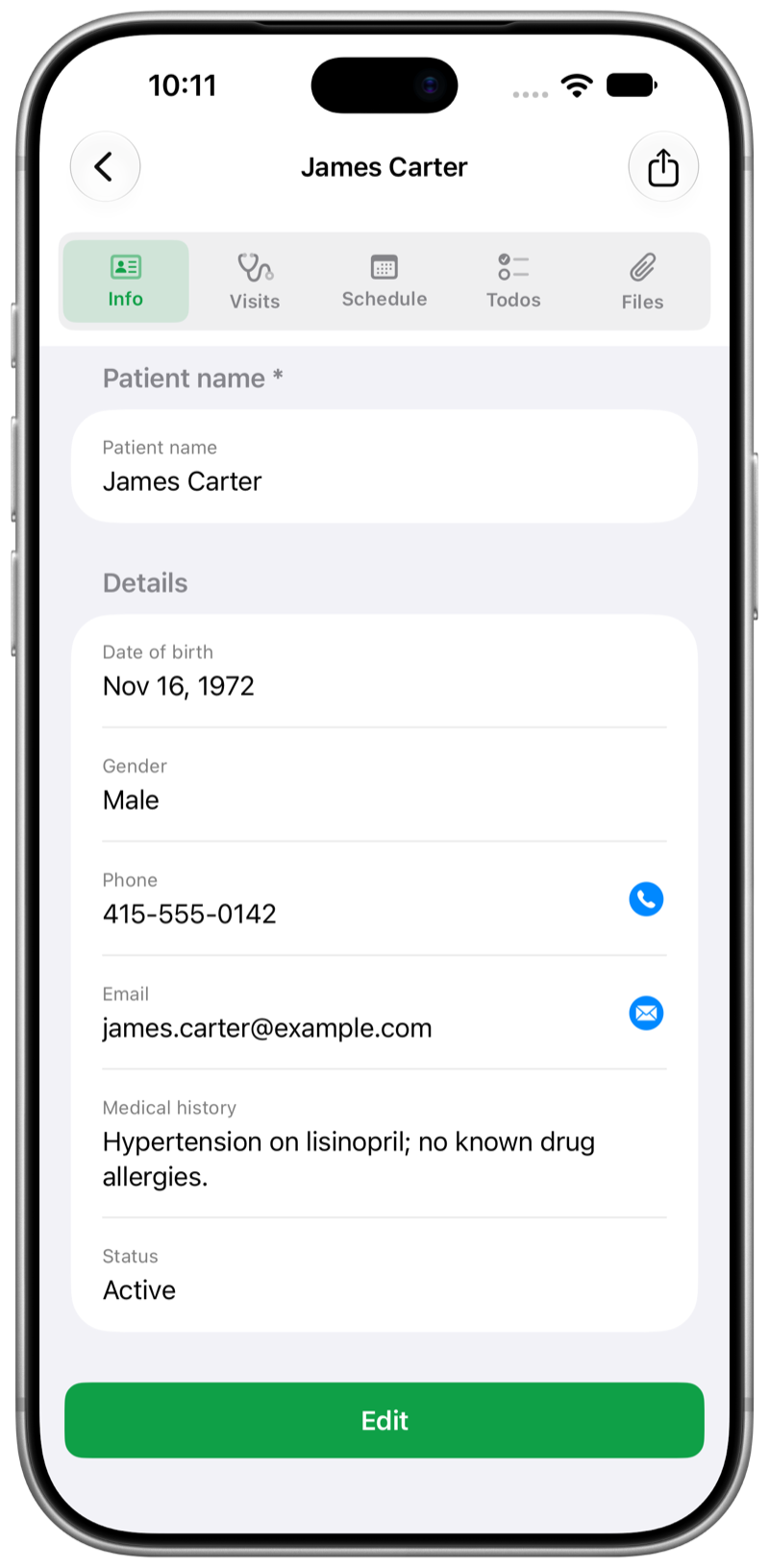
Each patient holds info, visits, schedule, to-dos, and files. Check status anytime — without hunting through sticky notes.
 ChartLog
For clinicians
Patient details stay private on your device — clear at a glance, with schedule and progress in one place. Speak updates when your hands are full, so your day stays orderly.
Info, progress, and what’s next — always with you.
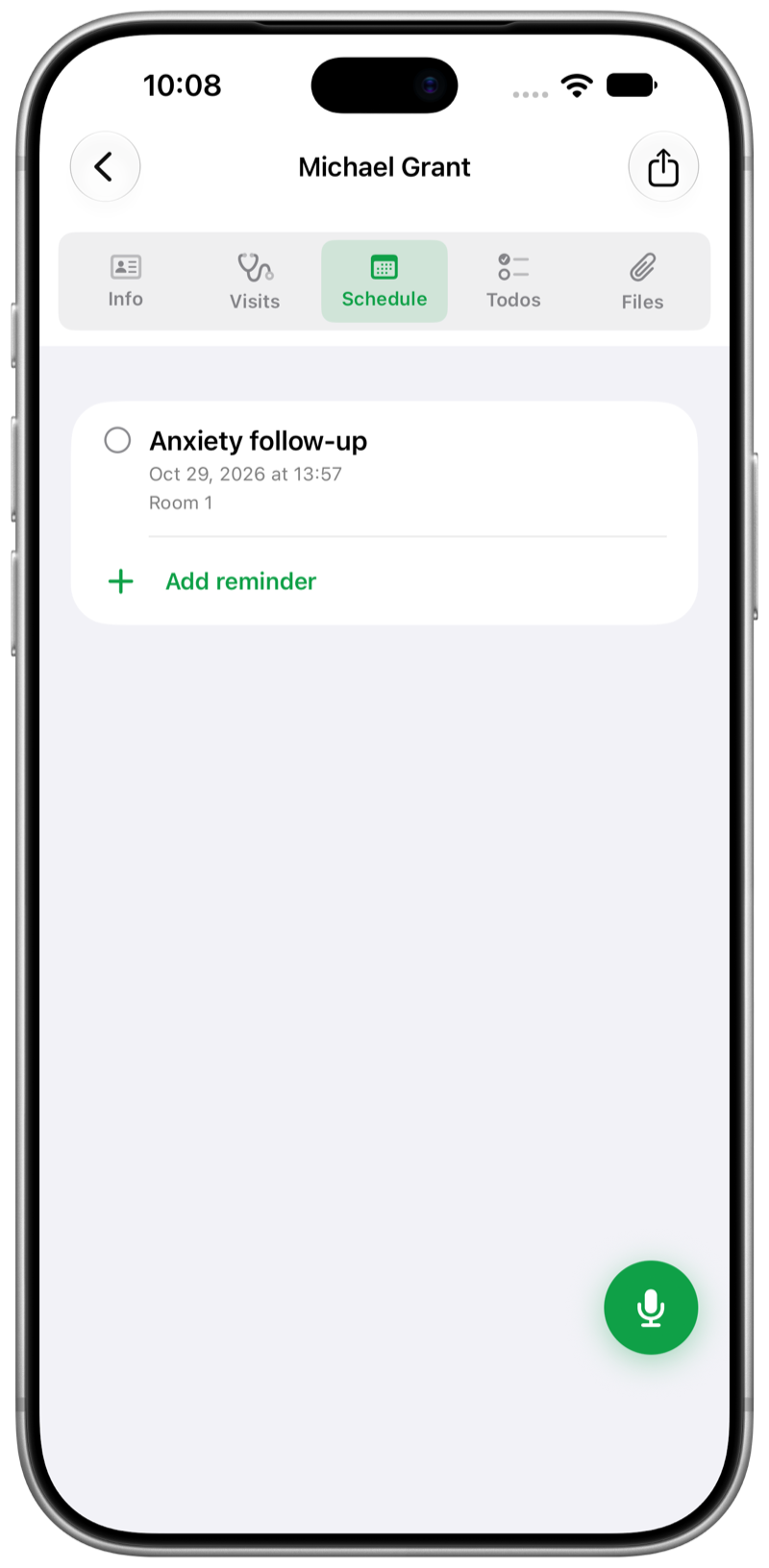
Open a person and see notes, schedule, and to-dos together — so you know where things stand before the next visit.
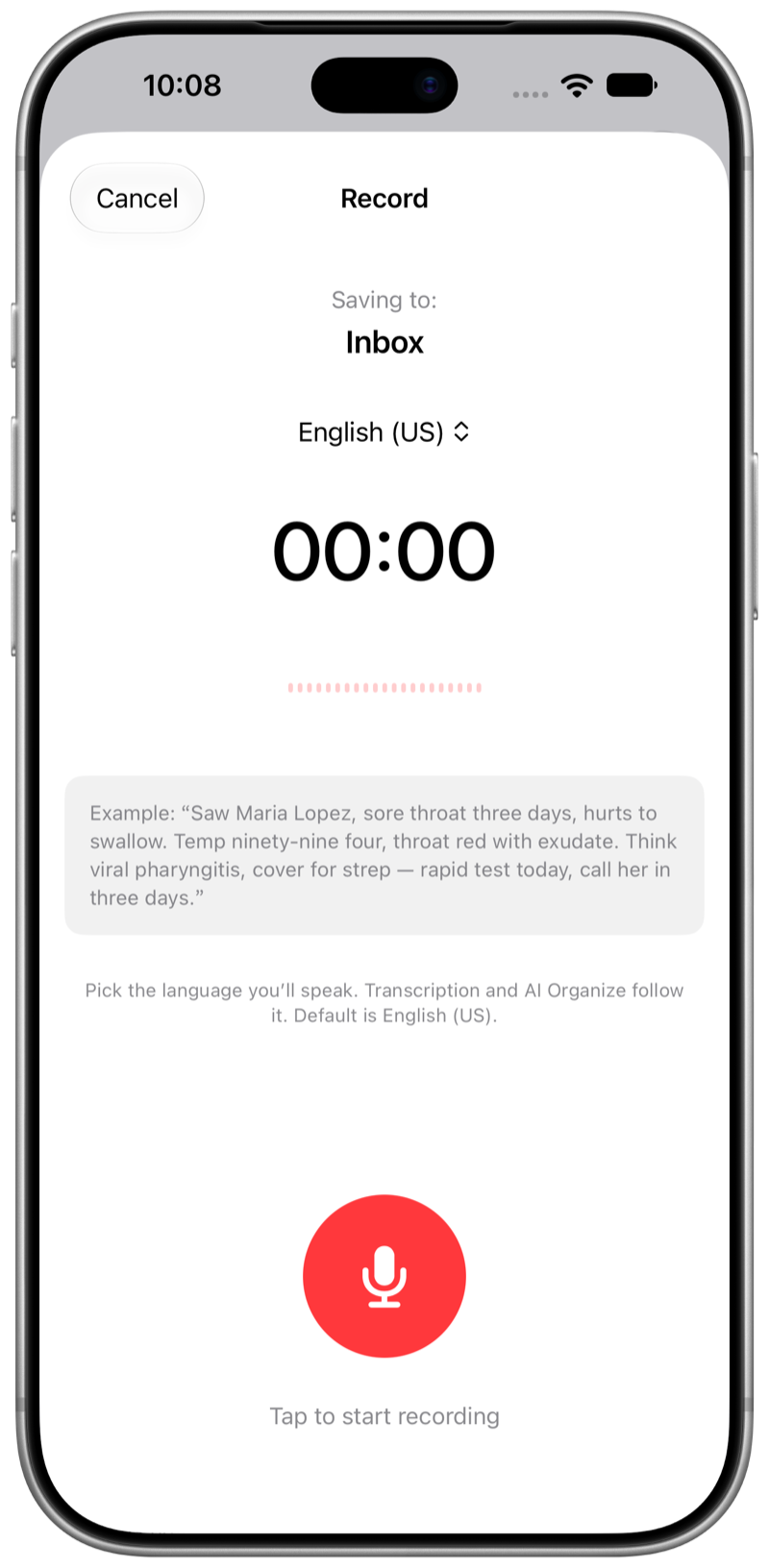
Say what’s going on; text appears on your device. Free your hands — you don’t have to type every update.
Patient details stay on your phone, iPad, or Mac. No ChartLog account. Sync across your Apple devices when you want one notebook everywhere.
Clear patients. Hands free when you need it. Progress you can trust.
Each patient holds info, visits, schedule, to-dos, and files. Check status anytime — without hunting through sticky notes.
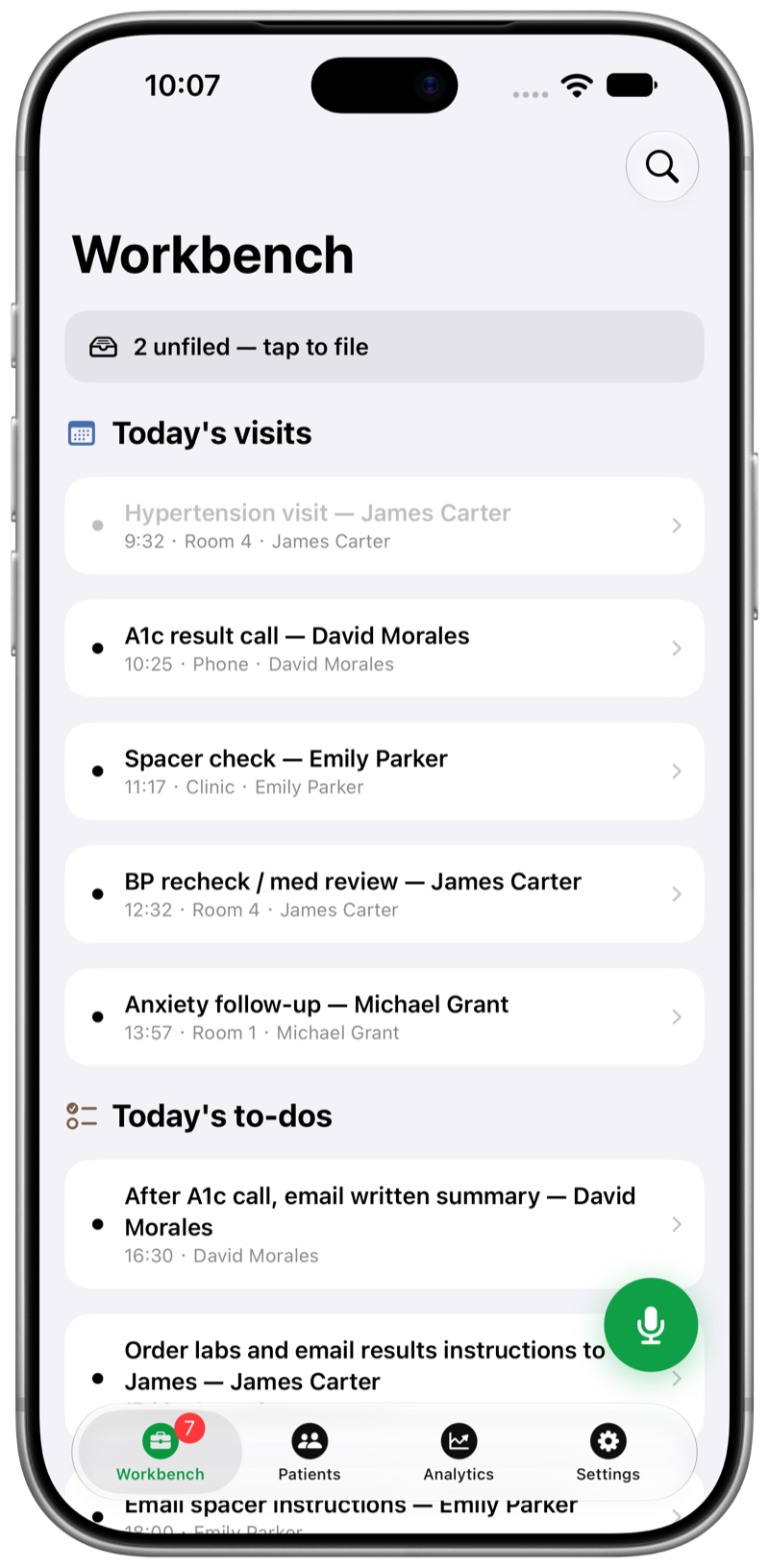
Workbench shows today’s visits and dated to-dos. See who’s next and what still needs follow-through.
Describe the patient’s situation out loud when typing isn’t practical. On-device text frees your hands so you can keep moving.
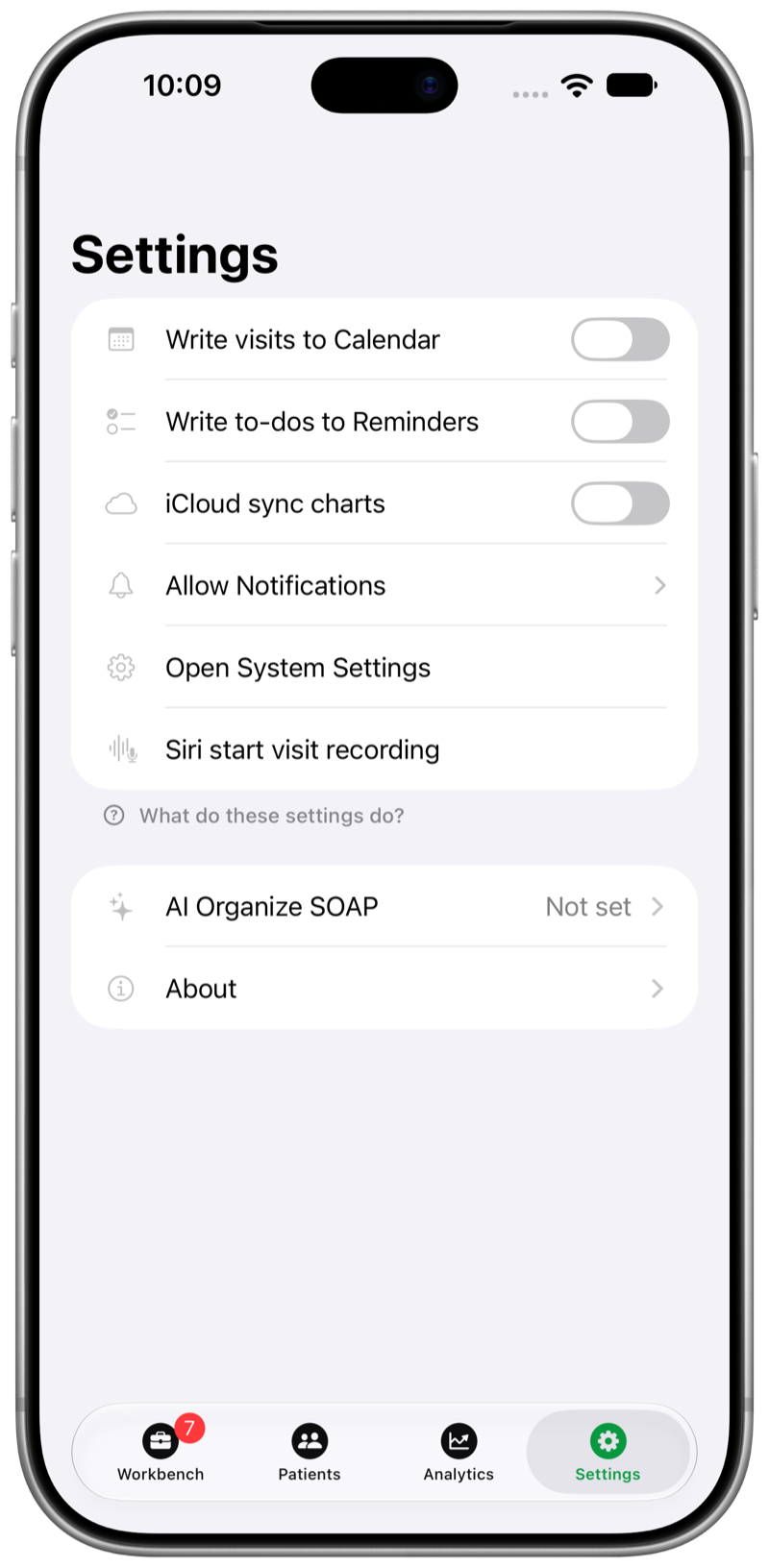
Patient data stays local by default. No ChartLog login. Optional iCloud keeps the same notebook on iPhone, iPad, and Mac. Calendar, Reminders, and notifications stay off until you turn them on. Home Screen widgets show today’s visits when you want them.
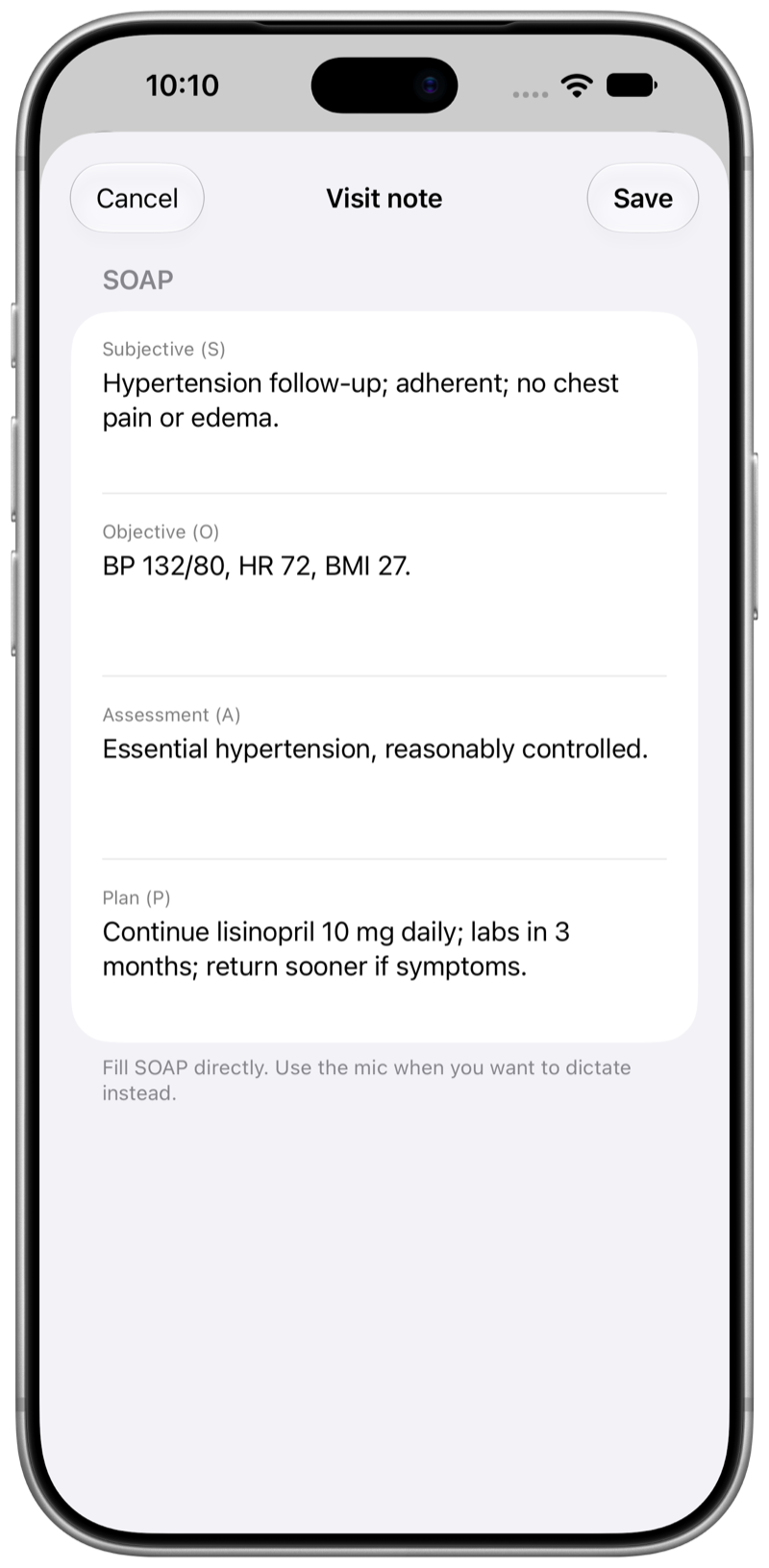
Subjective, Objective, Assessment, Plan — by hand, or drafted with optional AI. You confirm before anything is saved.
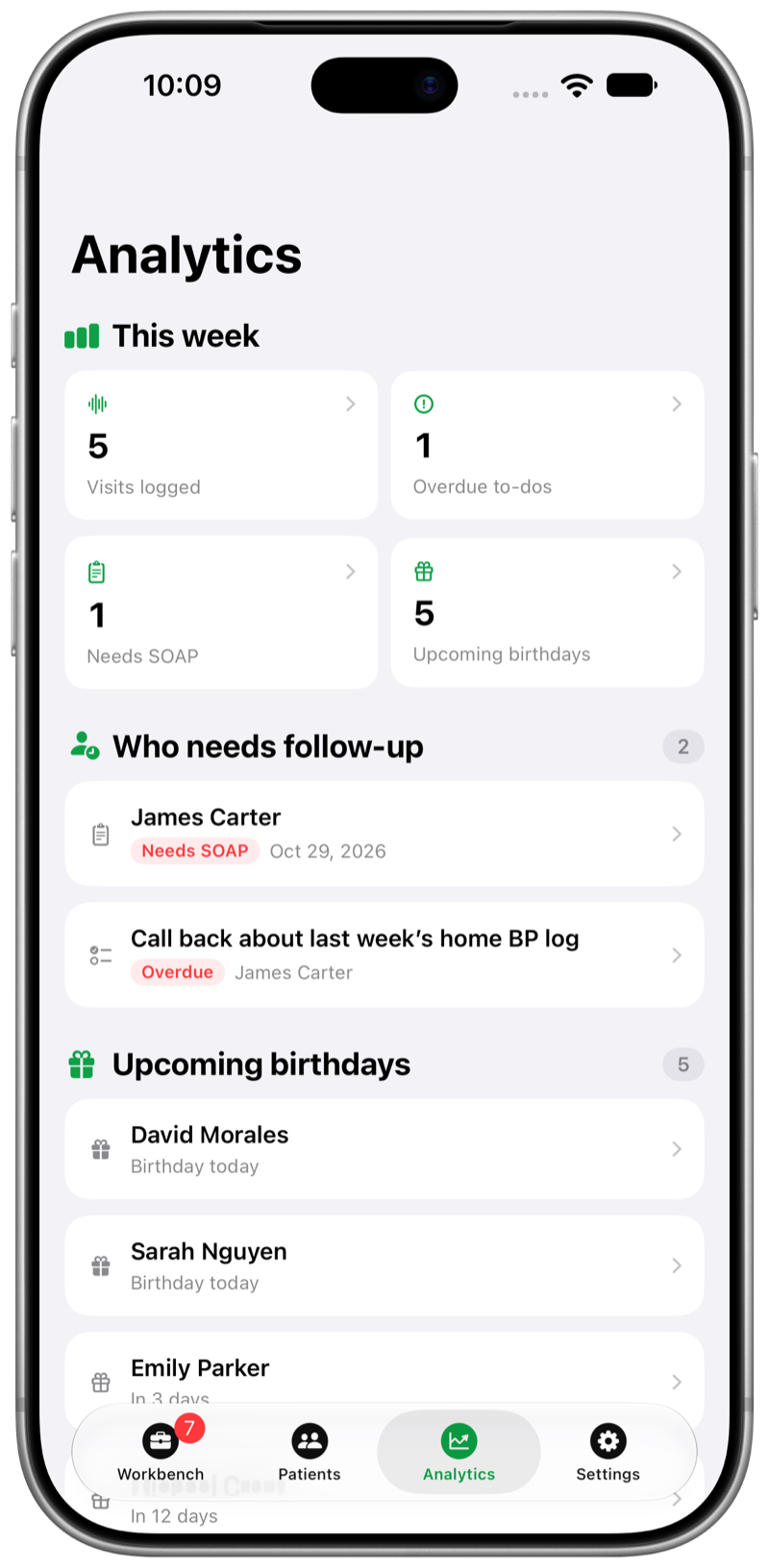
Analytics surfaces who needs a follow-up and upcoming birthdays — light reminders so the list stays tidy.
Search patients, notes, SOAP, schedule, and file names. Export a printable PDF with the sections you choose, or a private zip backup for your own archive.
Bring your own key (OpenRouter, Gemini, Claude, OpenAI, or DeepSeek). Only note text is sent — never the audio — after you agree in the app. Drafts stay drafts until you confirm. Skip AI and everything else still works.
No ChartLog account. No ChartLog clinical server. Notes and patient info start locally; optional iCloud, Calendar, and Reminders stay under your control. An electronic notebook for clinicians — not an EHR, not a covered-entity system.
Read the Privacy PolicyClear. Private. Orderly — on iPhone, iPad, and Mac.
Patient info at a glance. Hands free when you need it. Private on your devices.